CBackup Professional Free License Giveaway 2026
Overview
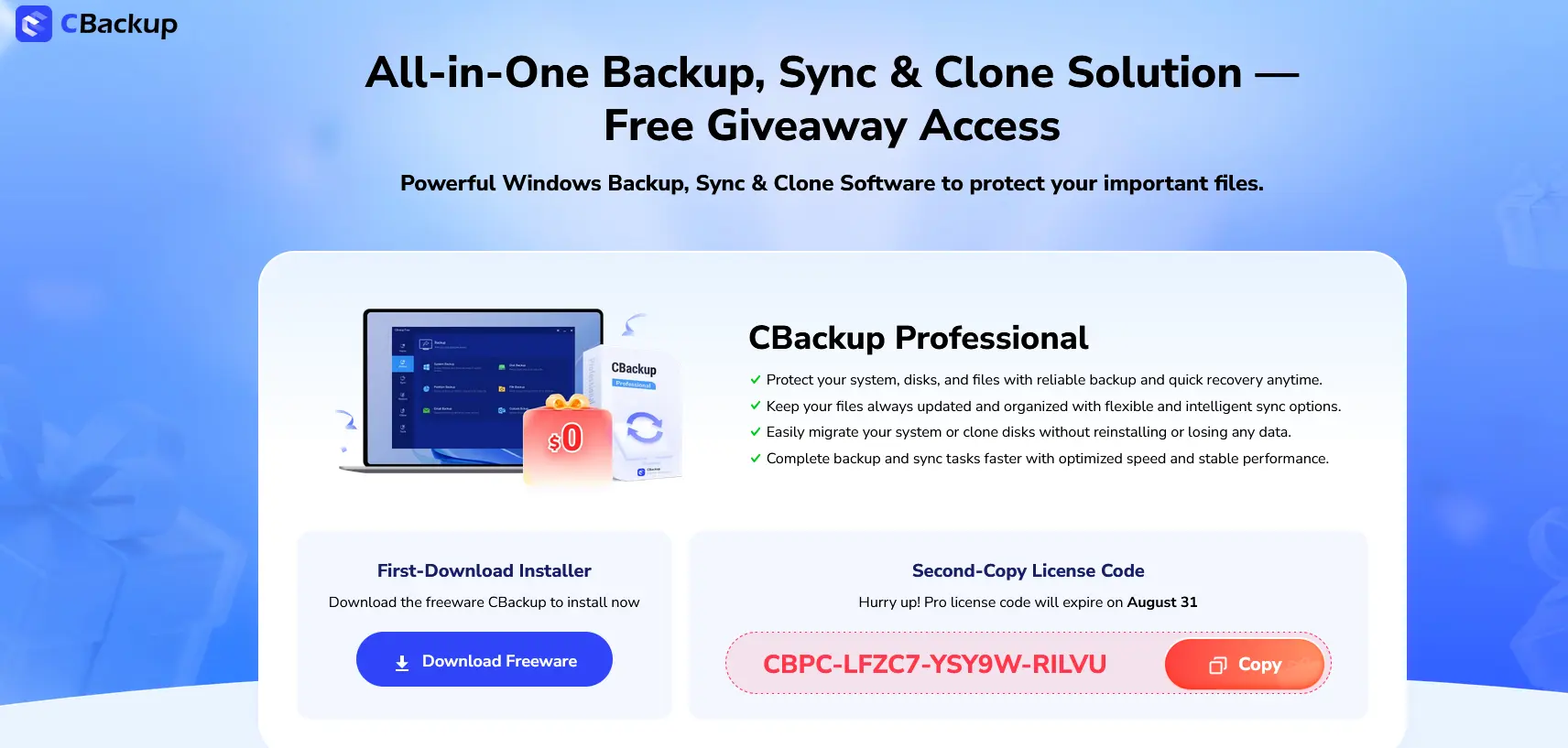
If you’re looking for a reliable cloud backup and synchronization solution for Windows, CBackup is currently offering a free 6-month Professional license through a limited-time giveaway campaign. Users can activate premium features without paying for a subscription by using the official promotional license code available through CBackup’s partner program. The giveaway is valid until August 31, 2026.
This promotion gives Windows users access to advanced backup, cloud synchronization, file migration, and cloud-to-cloud transfer capabilities that are normally reserved for paid subscribers.
What Is CBackup?
CBackup is a cloud backup and file synchronization platform developed to help users protect data stored on local computers and cloud storage services. The software supports popular cloud providers such as Google Drive, Dropbox, OneDrive, and FTP/SFTP servers. It allows users to create automatic backups, synchronize files between cloud accounts, and manage multiple storage services from a single interface.
One of CBackup’s standout features is its ability to combine multiple cloud storage accounts into a unified storage pool, helping users maximize available cloud space without purchasing additional storage plans.
Free License Giveaway Details
Giveaway page: https://www.cbackup.com/partners/gift-code.html?license=CBPC-LFZC7-YSY9W-RILVU&time=August%2031&__ut=sctg_dsr_web_all&xid=!1661
The current giveaway provides:
- CBackup Professional license
- Free 6-month subscription
- Full premium features
- Priority support during the license period
- Faster backup and synchronization speeds
- Windows desktop and server compatibility
License Code:
CBPC-LFZC7-YSY9W-RILVU
Promotion End Date:
August 31, 2026
Key Features of CBackup Professional
1. Cloud-to-Cloud Backup
Transfer files directly between cloud storage services without downloading them to your computer first. This saves both bandwidth and local storage space. Supported services include Google Drive, Dropbox, and OneDrive.
2. Automatic Scheduled Backups
Users can schedule backups to run daily, weekly, or monthly. Once configured, CBackup performs backups automatically without requiring manual intervention.
3. Unified Cloud Storage
CBackup allows users to merge multiple cloud accounts into a single virtual storage pool, making it easier to manage large volumes of data across different providers.
4. PC-to-Cloud Backup
Important files and folders can be backed up automatically from Windows PCs to cloud storage, helping protect against hardware failures, accidental deletion, ransomware attacks, and system crashes.
5. Disk Cloning and OS Migration
The Professional edition includes tools for cloning disks and migrating Windows installations to new SSDs or hard drives without reinstalling the operating system.
6. Advanced Security
CBackup uses OAuth authorization for cloud account access and 256-bit AES encryption during data transfers, helping keep user data secure.
System Requirements
CBackup Professional supports:
- Windows 11
- Windows 10
- Windows 8.1
- Windows 8
- Windows 7
- Windows Server 2003 through Server 2025
Internet access is required for cloud backup and synchronization features.
How to Activate the Free License
- Download and install CBackup on your Windows PC.
- Launch the application.
- Open the activation or licensing section.
- Enter the giveaway license code:
CBPC-LFZC7-YSY9W-RILVU - Complete activation and enjoy Professional features for six months.
Pros and Cons
Pros
- Free 6-month Professional license
- Supports cloud-to-cloud backup
- Automatic scheduling options
- Cloud storage aggregation
- AES-256 encrypted transfers
- Windows Server support
- Easy-to-use interface
Cons
- Windows only
- Premium features expire after six months
- Some advanced support options require a paid subscription after the giveaway period ends
Is the CBackup Giveaway Worth It?
For users who regularly work with cloud storage services or want a simple backup solution for Windows, this giveaway offers excellent value. The Professional edition includes features that are often found only in premium backup software, such as cloud-to-cloud transfers, disk cloning, automatic scheduling, and unified cloud storage management.
Since the license is officially distributed through CBackup’s promotional campaign and remains valid until August 31, 2026, it provides a legitimate opportunity to test the software’s premium capabilities without financial commitment.
Final Verdict
CBackup Professional is a feature-rich backup and synchronization solution designed for Windows users who want to protect local files and cloud data. The current giveaway provides six months of premium access completely free, making it an attractive option for home users, professionals, and small businesses looking for a reliable backup platform.
If you need automated backups, cloud-to-cloud transfers, file synchronization, and secure cloud storage management, the CBackup Professional giveaway is worth claiming before the promotion expires on August 31, 2026.