Download Ashampoo UnInstaller 15 for Free
In today’s world of software overload, simply using the built-in Windows uninstaller often isn’t enough — leftover files, registry entries, and hidden traces can accumulate, slowing your PC and cluttering your storage. That’s where Ashampoo UnInstaller 15 steps in: a dedicated program removal tool designed to thoroughly clean and manage installed applications on Windows computers.
Download Ashampoo UnInstaller 15 for Free
You visit here to download Ashampoo UnInstaller 15 for free: https://www.ashampoo.com/loc/uninstaller-15?coupon=VNRLPA&download-eid=77TlBgoDZOTMtqhNcsKyZg0fwMc5zaDm&noup=1
Why Choose Ashampoo UnInstaller 15?
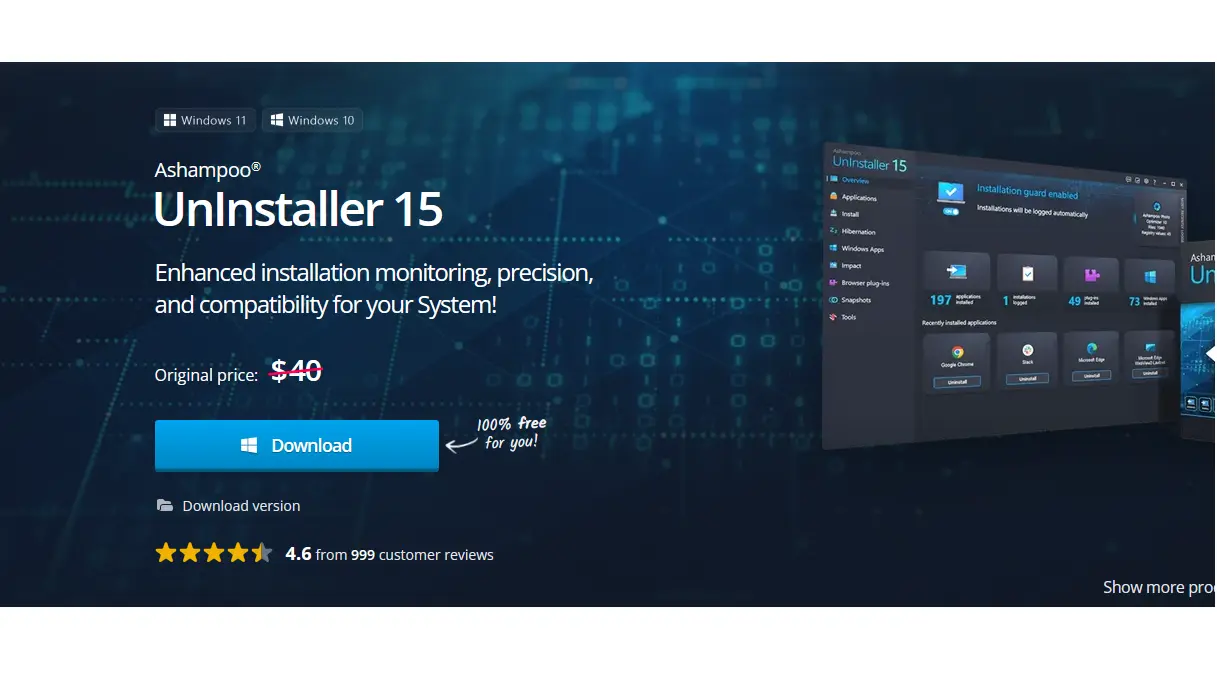
Ashampoo UnInstaller 15 isn’t just another uninstall utility — it’s a complete system cleanup assistant that tracks, analyzes, and removes applications completely, ensuring no unwanted leftovers remain behind.
Here’s what sets it apart:
📈 Deep Installation Monitoring
- The software installs a real-time Installation Guard to track every change your system makes during a program install — from file changes to registry edits. This allows it to fully reverse those changes later when you choose to uninstall.
- The background guard runs up to 10× faster than previous versions and is more accurate at detecting even complex setup routines.
🧠 Comprehensive Removal
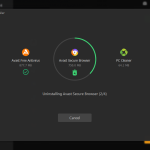
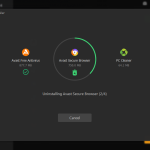
- UnInstaller uses a five-stage uninstall process that goes beyond what standard uninstallation tools can do, scanning for leftover data after the built-in uninstaller has run.
- Deep registry cleaning removes orphaned entries that are usually left behind, which can improve system stability over time.
🔒 Privacy and Cleaner Tools
- A Privacy Traces Cleaner detects and eliminates data traces such as usage history and residual files that could compromise your privacy.
- Built-in cleaners (for browsers, drives, and the registry) also show a history of deleted items so you can review what was cleaned.
🚚 Additional Handy Features
- Want more space on your SSD? UnInstaller can move installed programs between drives without uninstalling and reinstalling.
- You can export the list of installed applications and import it on another PC — great for setting up a new system with the same software lineup.
- The program also integrates with the Windows Explorer theme, offering a clean and responsive interface.
User Perspective
Users generally rate UnInstaller 15 highly, with an overall score of around 4.6 out of 5 in customer reviews. Many appreciate how thoroughly it removes programs — often leaving systems cleaner and more stable compared to using standard Windows uninstall options.
Who Should Use It?
✔️ Anyone who frequently installs and tests new software
✔️ Users tired of leftover files after uninstallations
✔️ People setting up multiple PCs and wanting consistency
✔️ Those who care about privacy and system performance
Even on older or lower-spec systems, UnInstaller 15 runs efficiently with minimal impact on memory and CPU resources.
Summary
In summary, Ashampoo UnInstaller 15 is a powerful tool for managing installed software on Windows PCs:
- Tracks installation processes to ensure complete removals
- Offers privacy-focused cleaning tools
- Improves system performance and frees up space
- Adds extra utility like program relocation and install list export
If you frequently install and remove programs, or just want to keep your PC squeaky clean without digging through folders and registry entries manually, UnInstaller 15 is worth considering.