Maximize Your PC’s Potential: The Ultimate Guide to Driver Booster 13 PRO – Giveaway
In the fast-evolving digital landscape of 2026, where AI-powered applications, high-fidelity gaming, and ARM-based laptops have become the norm, maintaining your hardware’s “bridge” to your software is more critical than ever. That bridge is your drivers. When they crumble, your entire PC experience—from your frame rates to your Wi-Fi stability—crumbles with them.
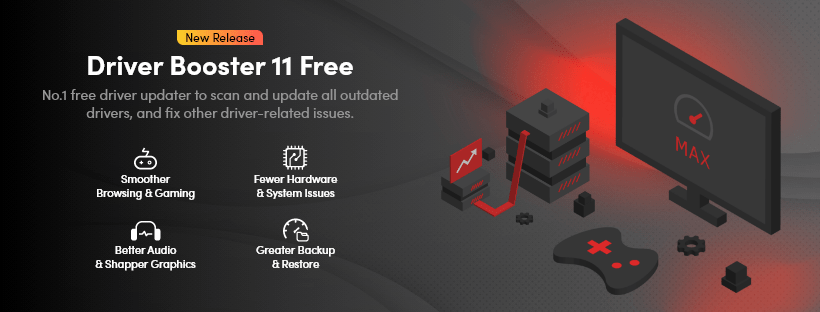
Enter Driver Booster 13 PRO. Long recognized as the industry leader in driver management, the latest version is a powerhouse designed to eliminate the manual “search and hope” method of PC maintenance. Whether you are a hardcore gamer, a creative professional, or someone who just wants a computer that “works”, Driver Booster 13 is your ultimate system insurance policy.
The Massive 18 Million+ Driver Database
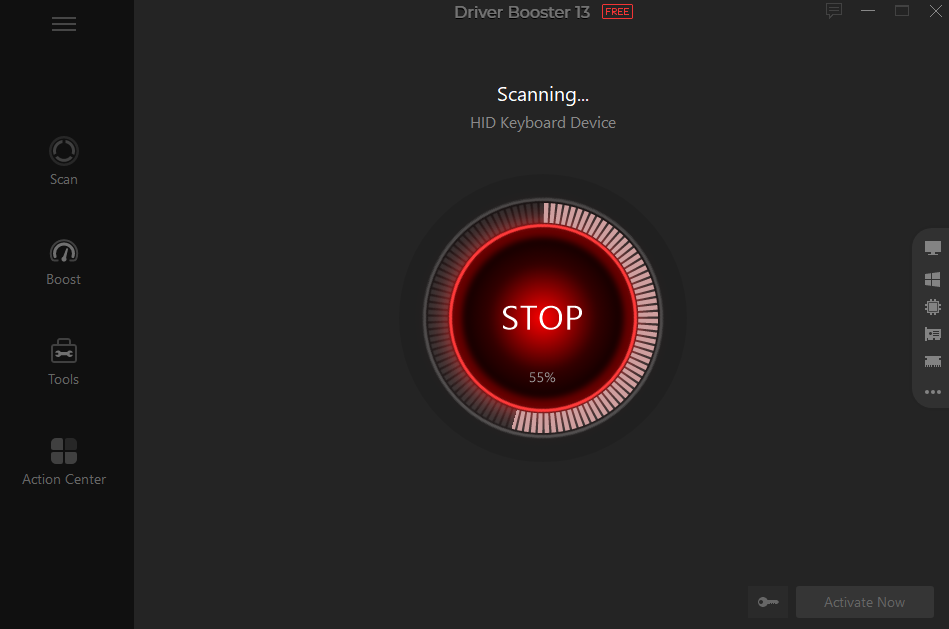
The heart of Driver Booster 13 is its unprecedented database. Now supporting over 18,000,000 device drivers, it covers almost every piece of hardware imaginable—from 1,200+ major brands like Intel, NVIDIA, and AMD to rare, legacy peripherals.
What makes Version 13 a landmark release is its breakthrough support for Windows 10/11 ARM64 devices. As ARM-based laptops become the standard for portability and battery life, finding compatible drivers can be a nightmare. Driver Booster 13 simplifies this with over 100,000 dedicated ARM drivers, ensuring your modern, lightweight device remains fully compatible with every printer, dock, and external drive you own.
Unrivaled Speed and Success Rates
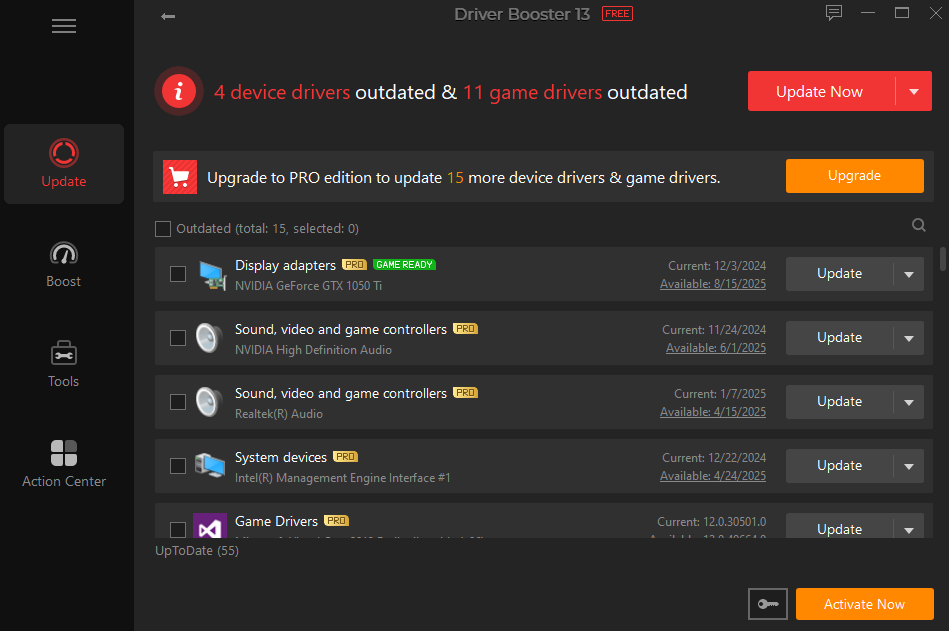
Time is the most valuable resource in 2026. Driver Booster 13 respects that by optimizing its core engine for maximum efficiency. The scanning engine is now 20% faster, meaning it can audit your entire system in a matter of seconds.
But scanning is only half the battle. The installation engine has been overhauled to be 8% faster with a 57% higher success rate than previous versions. By utilizing a “silent installation” mechanism that works while your system is idle, Driver Booster 13 ensures that your work or play is never interrupted by intrusive progress bars.
The Gamer’s Secret Weapon: Game Ready Drivers
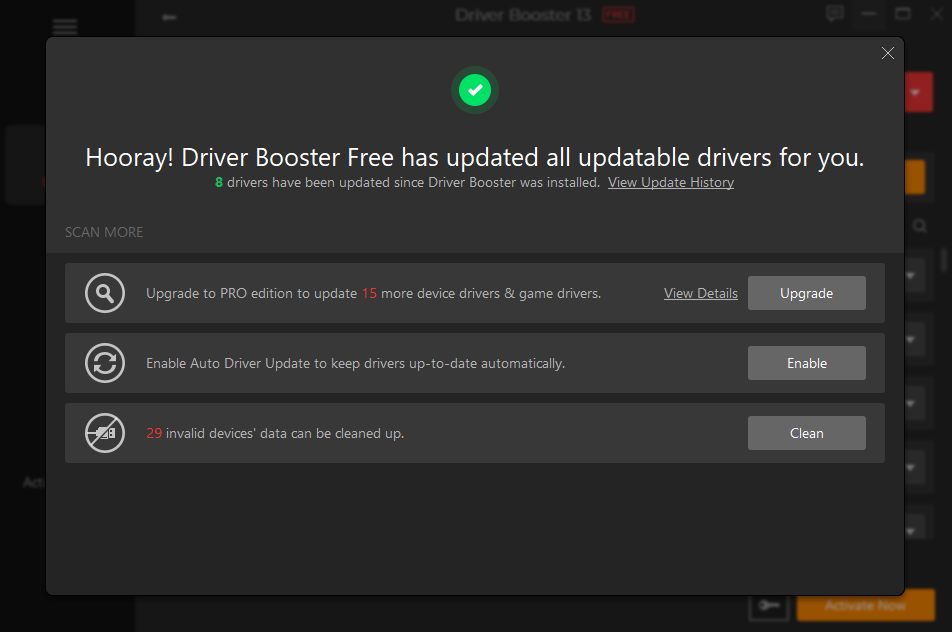
If you’ve ever experienced a stuttering frame rate in Cyberpunk 2077 or Battlefield 6, you know that generic drivers don’t cut it. Driver Booster 13 prioritizes Game Ready Drivers for NVIDIA GeForce and AMD Radeon cards the moment they are released.
Beyond just updates, the Game Boost feature has been fine-tuned to deliver up to a 5% performance increase. By terminating unnecessary background processes and services with a single click, it channels every bit of your CPU and RAM power into your game. With support for over 500 major titles, it ensures you are always playing on the “bleeding edge” of performance.
Safety First: WHQL Certified & Auto-Backup
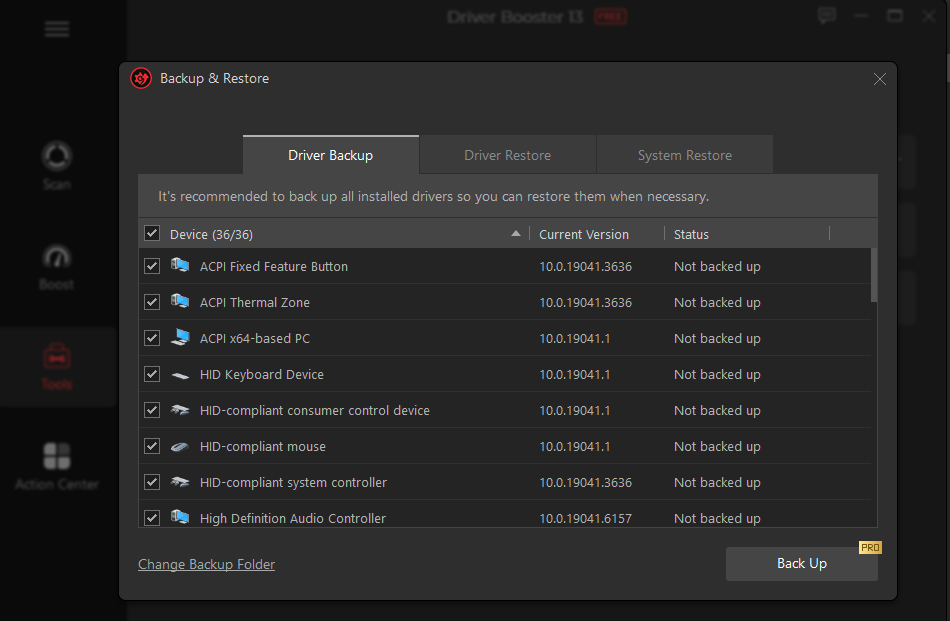
The biggest fear users have when updating drivers is the “Blue Screen of Death” (BSOD). Driver Booster 13 eliminates this anxiety through a rigorous dual-verification process. Every driver in the database has passed Microsoft WHQL (Windows Hardware Quality Labs) testing and a secondary IObit Security Scan.
For added peace of mind, the PRO version automatically creates a System Restore Point and performs a full driver backup before any changes are made. If an update doesn’t sit right with your specific setup, you can revert to your previous state with a single click. It’s “fail-safe” computing at its best.
The “Offline” Lifesaver
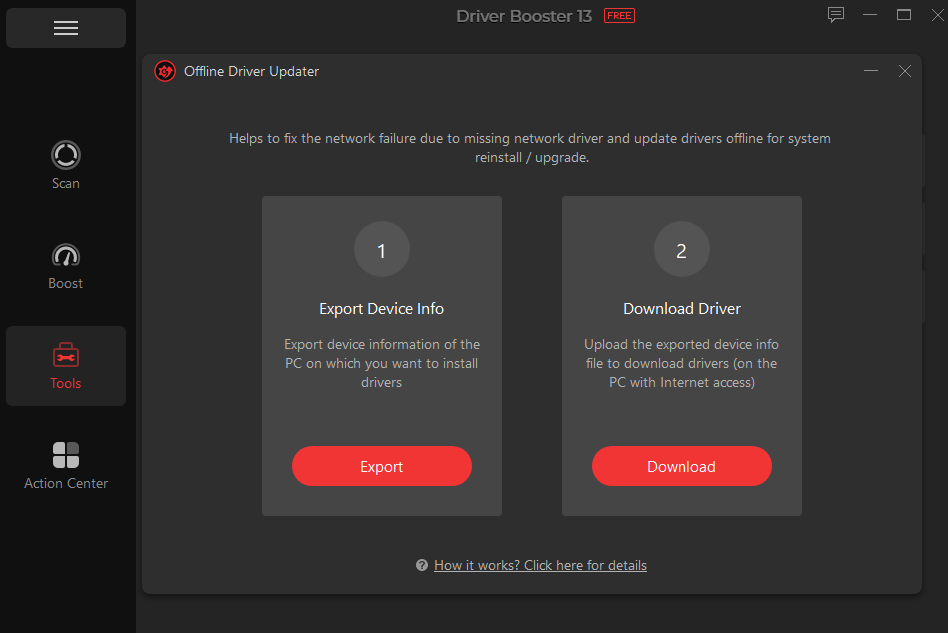
One of the most frustrating Catch-22s in computing is when your Wi-Fi driver breaks, and you need the internet to download the fix. Driver Booster 13 solves this with its Offline Driver Updater.
By allowing you to download the necessary network drivers on another PC and transfer them via USB, or by keeping a cached version of essential LAN drivers, it ensures you are never truly “stranded” without a connection. This feature alone is worth the upgrade for anyone who frequently reinstalls Windows or deals with unstable network hardware.
A Toolkit for Every PC Headache
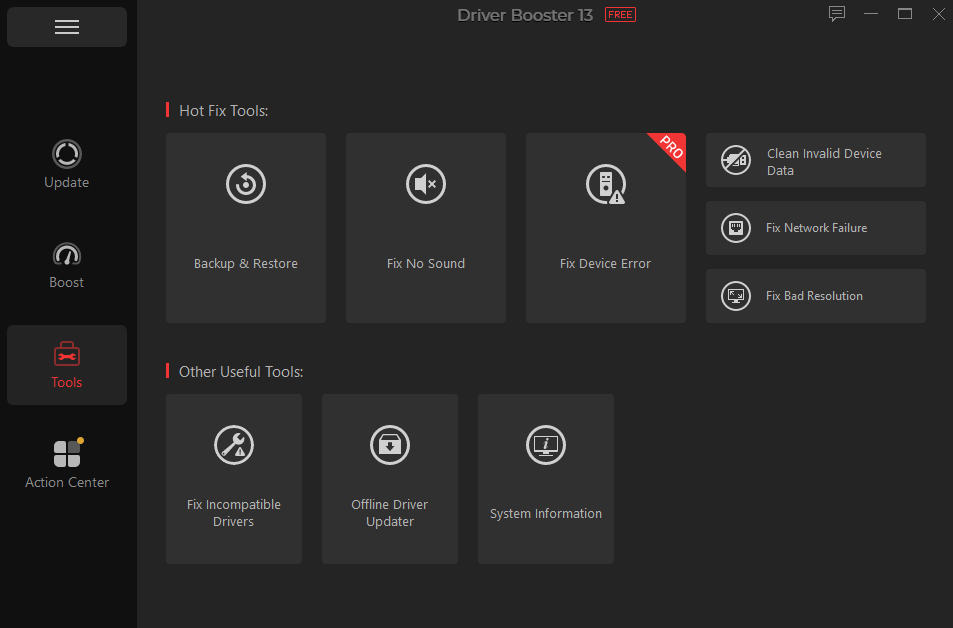
Driver Booster 13 isn’t just about updates; it’s a comprehensive repair shop. The “Tools” section includes specialized fixers for common Windows annoyances:
Fix No Sound: Instantly scans for corrupted audio controllers.
Fix Network Failure: Resets your network stack and replaces faulty drivers.
Fix Device Error: Solves the “Yellow Triangle” warnings in your Device Manager.
Clean Unplugged Device Data: Removes the “ghost” data from old USB devices to prevent registry clutter.
Driver Booster 13 Pro Giveaway
Step 1. Download this driver updater from the official IObit website.
Step 2. Run the Installer and follow the setup instructions.
Step 3. Launch it once installation is complete.
Step 4. Active it to unblock all features with the following pro license key.
C5DA8-EC342-A7636-FDB4C
(Limited-time offer Available for the first 100 users. Giveaway ends on May 10th, 2026.)
Conclusion: The Only Driver Tool You Need
Maintaining a PC manually in 2026 is like trying to tune a modern car engine with a screwdriver—it’s inefficient and risky. Driver Booster 13 PRO automates the complexity, providing a faster, safer, and more powerful PC environment.
From the massive 18M+ database and ARM64 support to the “one-click” game optimization and offline recovery tools, it is a complete solution for system stability. Don’t wait for a crash to happen. Give your PC the professional care it deserves and experience the peak performance that only perfectly synced hardware can provide.