If you use multiple cloud storage services, MultCloud is one of the easiest ways to transfer, sync, and back up files between them without downloading data to your computer. From time to time, MultCloud also releases gift codes that unlock free premium features or additional transfer traffic.
This guide explains what a MultCloud gift code is, how to redeem it, what rewards you can expect, and the best practices for using promotional offers.
What Is a MultCloud Gift Code?
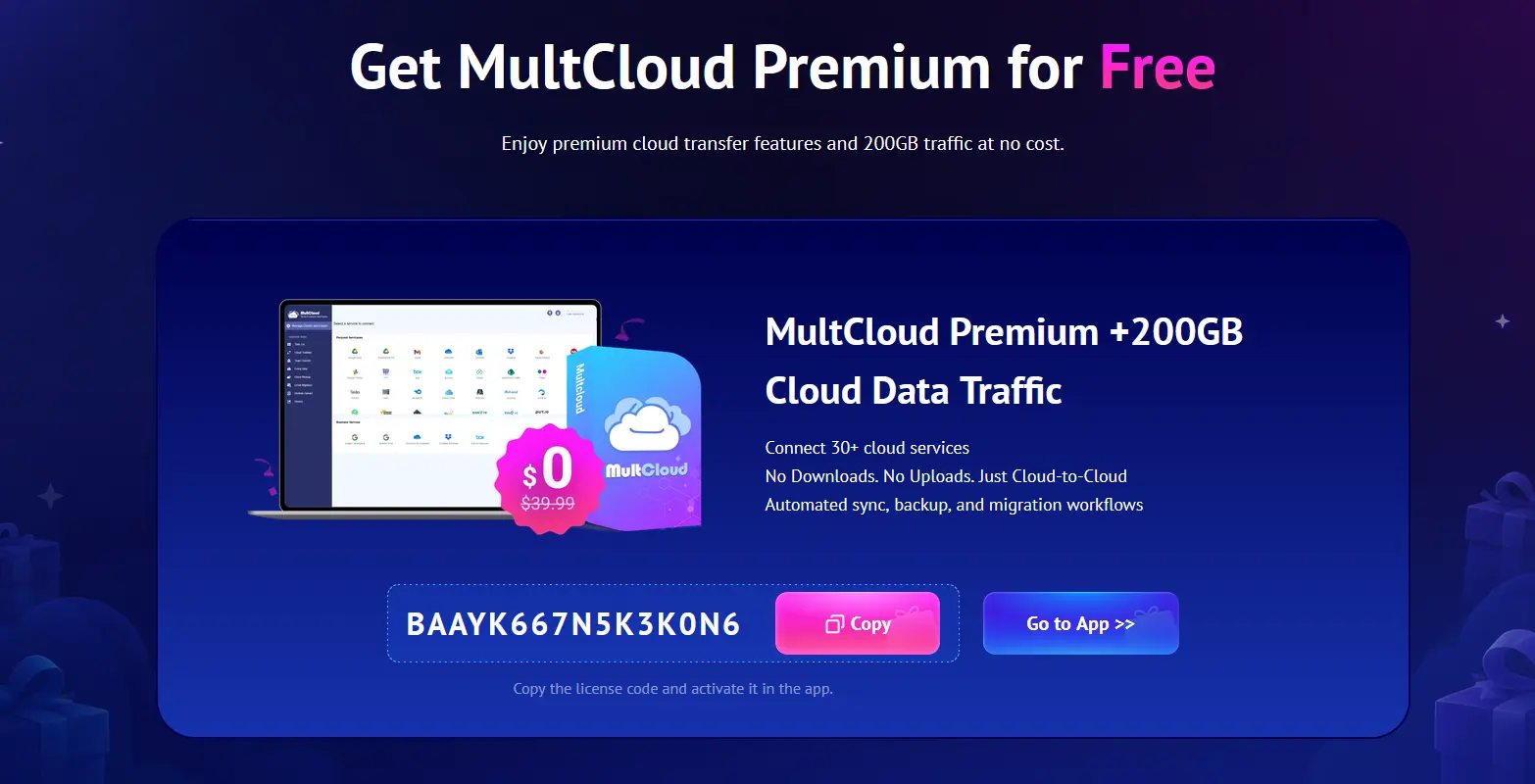
A MultCloud gift code (also called a giveaway code, promo code, or activation key) is a special promotional code distributed through official MultCloud partners and marketing campaigns.
Depending on the promotion, a gift code may provide:
Free Premium membership
Additional cloud transfer traffic
Premium features for a limited time
Bonus bandwidth
Exclusive partner promotions
Unlike regular coupon codes that reduce purchase prices, many MultCloud gift codes activate premium benefits directly on eligible accounts.
Because promotions change over time, always check the official campaign page for current offers.
How to Redeem a MultCloud Gift Code
Redeeming a code only takes a few minutes.
Step 1: Create a MultCloud Account
Register a free account if you don’t already have one.
New users are typically eligible for partner promotions.
Step 2: Verify Your Email
Activate your account using the verification email sent by MultCloud.
Step 3: Log In
Sign in to your dashboard.
Step 4: Open the Key or Gift Code Section
Click the Key (🔑) icon in the upper-right corner of the dashboard.
Step 5: Enter the Gift Code
Paste your promotional code into the activation field.
Step 6: Confirm
Click OK or Activate.
If the code is valid, your account benefits will be applied immediately.
Who Can Use MultCloud Gift Codes?
Eligibility depends on the promotion.
Many giveaways are limited to:
New users
Newly created accounts
First-time Premium users
Specific partner campaigns
Limited promotional periods
Some codes may not work on existing Premium accounts or accounts that have previously redeemed another promotion.
Benefits of Upgrading with a Gift Code
Premium features often include:
Faster Cloud Transfers
Premium users receive multiple transfer threads, significantly increasing transfer speed.
Unlimited Data Traffic
Instead of the monthly free traffic limit, Premium plans generally include unlimited transfer traffic during the subscription period.
Scheduled Transfers
Automatically transfer files:
Daily
Weekly
Monthly
Perfect for backups.
Cloud-to-Cloud Sync
Synchronize folders between services such as:
Google Drive
Dropbox
OneDrive
MEGA
Box
pCloud
SharePoint
Amazon S3
without downloading files.
Cloud Backup
Create automatic backups between cloud providers with version management.
Email Notifications
Receive alerts when long-running transfer tasks finish.
Supported Cloud Storage Services
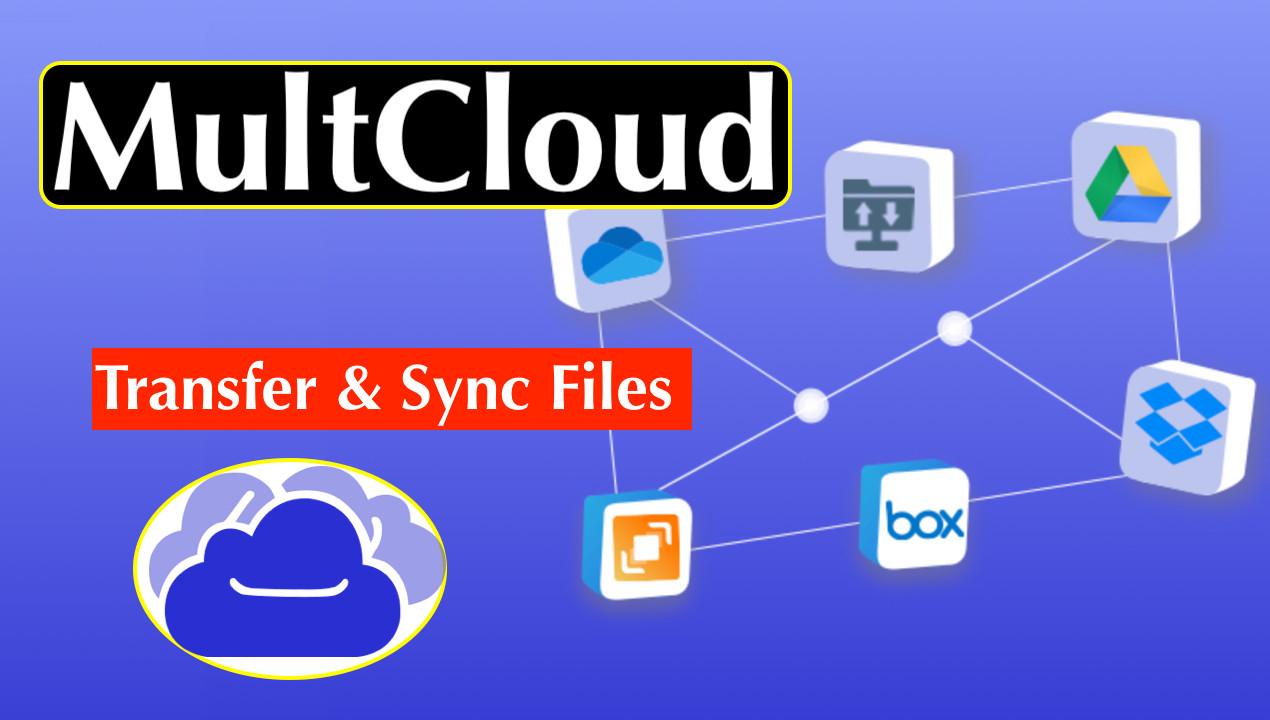
MultCloud supports more than 30 cloud storage platforms, including:
Google Drive
OneDrive
Dropbox
iCloud Drive
Google Photos
Dropbox Business
Box
pCloud
MEGA
SharePoint Online
Amazon S3
FTP
WebDAV
NAS devices
Support continues to expand with new integrations.
Why People Use MultCloud
Instead of manually downloading and uploading files, MultCloud performs transfers directly between cloud providers.
Popular use cases include:
Migrating Google Drive to OneDrive
Backing up Dropbox to NAS
Syncing work and personal cloud accounts
Consolidating multiple storage providers
Scheduled cloud backups
Migrating business cloud storage
Tips for Successfully Redeeming a Gift Code
To avoid activation problems:
Use the code before it expires.
Verify your email first.
Copy the code exactly as provided.
Make sure your account is eligible.
Avoid redeeming the same code multiple times.
Use only official or trusted partner promotions.
Is It Safe to Use MultCloud Gift Codes?
Yes—provided the code comes from an official MultCloud promotion or an authorized partner campaign. Avoid downloading software or sharing account credentials to redeem a code. Official gift-code campaigns only require you to enter the code within your MultCloud account dashboard.
Frequently Asked Questions
Are MultCloud gift codes free?
Yes. Official gift codes are distributed as part of promotional campaigns and can unlock free Premium access or bonus transfer traffic.
Can existing users redeem a gift code?
It depends on the promotion. Some campaigns are open to all users, while others are limited to new accounts.
How long do Premium rewards last?
The duration depends on the specific promotion. Some campaigns offer a limited Premium subscription, while others grant a one-time bonus of transfer traffic.
Does redeeming a gift code require payment?
No. Gift codes are promotional and can be redeemed without purchasing a subscription, although some campaigns may have eligibility requirements.
Where can I find official MultCloud promotions?
The safest sources are the official MultCloud website and its authorized partner giveaway pages. Check those pages regularly because promotions and available rewards change over time.
Final Thoughts
A MultCloud gift code is an easy way to experience premium cloud management features without immediately purchasing a subscription. Depending on the current promotion, you may receive additional transfer traffic, temporary Premium access, or other exclusive benefits.
If you regularly move files between Google Drive, Dropbox, OneDrive, MEGA, or other cloud services, redeeming an official MultCloud gift code can help you transfer data faster, automate backups, and make the most of MultCloud’s cloud-to-cloud management tools.