Best Offline PDF Editor Tool: Full Guide of Systweak PDF Editor
PDF is the most common document format used nowadays. Whether you are sharing resumes, creating reports, managing contracts, or storing study notes, they are used everywhere. But the problem arises when you need to edit them, especially if you depend on online tools for editing, where uploading documents to the web is required. This is exactly where the need for an offline PDF Editor tool comes as a solution.
Systweak PDF Editor is a great solution for when you need an offline PDF Editor tool. It edits, annotates, converts, and secures your PDF files without requiring an internet connection. It provides the most important thing, which is privacy for your sensitive documents, by being an offline PDF management software.
In this guide, we’ll explore what features and benefits Systweak PDF Editor provides, and also compare the features in its trial and paid versions so you can make the right decision while choosing an offline PDF Editor for Windows.
What is Systweak PDF Editor?
Systweak PDF Editor is an all-in-one PDF Editor for Windows that fulfills all the requirements you need to manage PDFs for Windows users. It is a completely offline tool that offers great PDF management features. Whether you need to edit, convert, secure, annotate, merge, sign, compress, or perform an OCR, this tool does it all while maintaining the quality of the PDF.
It is a great tool for students, professionals, business owners, or regular users who need to do PDF-related tasks quickly and easily without having any technical expertise.
Why Choose the Best Offline PDF Editor Tool?
Before going into detail, first know why the offline PDF Editor tool is better than an online PDF Editor?
- Offline PDF Editor provides better security by not uploading your sensitive documents to unknown servers and keeps your documents within your own PC’s system.
- You can work with your PDFs anywhere or anytime without needing an internet connection.
- Offline tools process the PDFs locally, making it fast and easy to work with PDFs.
- Offline PDF Editor offers more advanced features compared to online ones, like OCR and batch processing.
Key Features of Systweak PDF Editor
Now, find what makes Systweak PDF Editor a good choice for an offline PDF Editor:
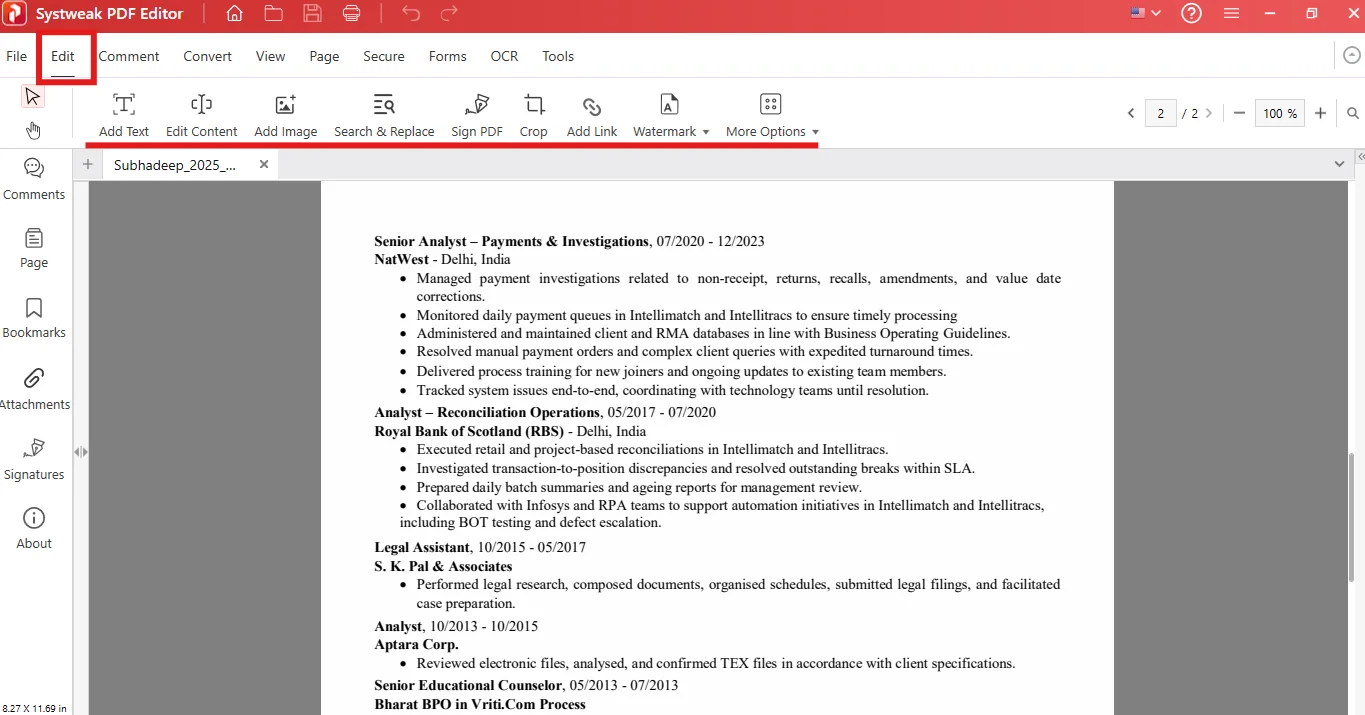
1. Edit Text and Images
You can edit text and images in the PDF directly without converting the document into another format.
- Add text and images
- Edit text and images
- Crop and Sign PDF
- Add notes, stamps, shapes, and background
- Add or remove Watermark
- Insert or remove page and Bates number
2. Convert PDFs to multiple formats
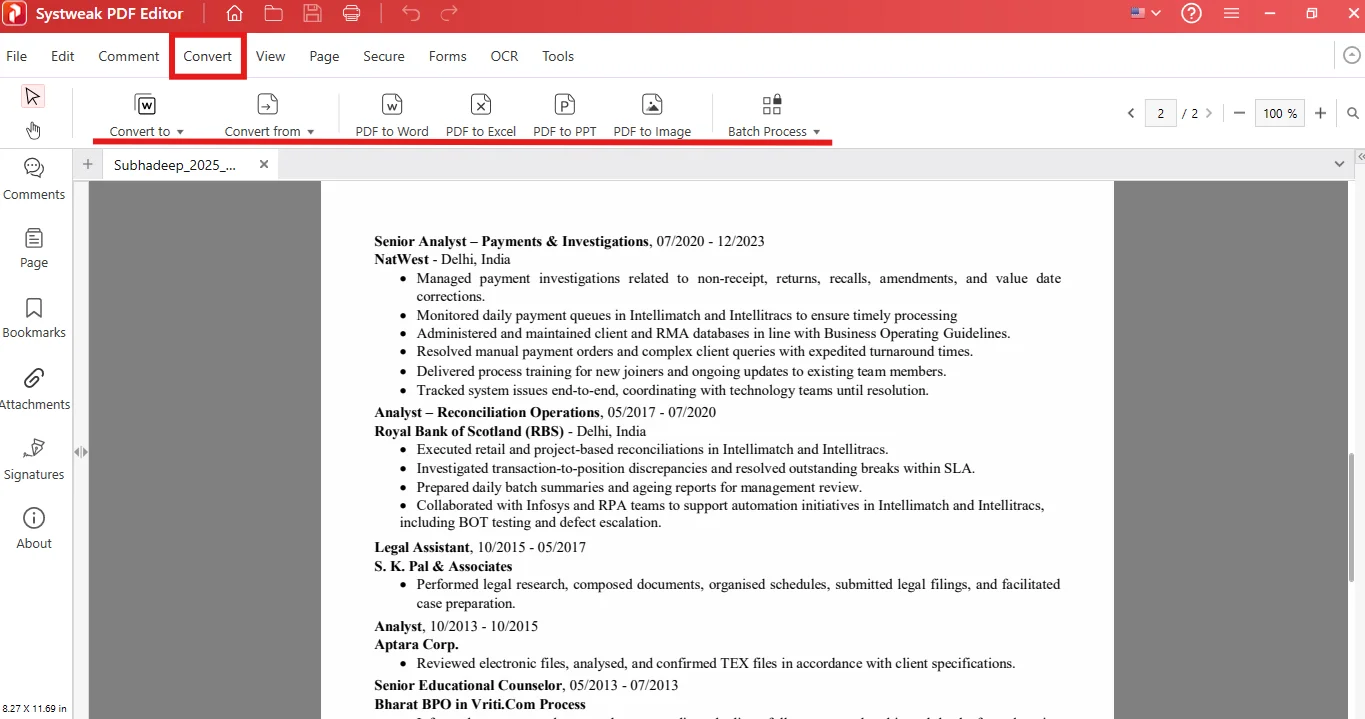
You can convert a PDF to other formats and other formats to PDF.
- Convert PDF to Word, Excel, PowerPoint, HTML, image, text, PDF/A, EPUB, SVG, XPS
- Convert PDF from Word, Excel, image, text, HTML, PPT, PDF/A, EPUB, SVG, XPS, CAD
- You can also convert Excel to JPG and PNG
3. OCR (Optical Character Recognition)
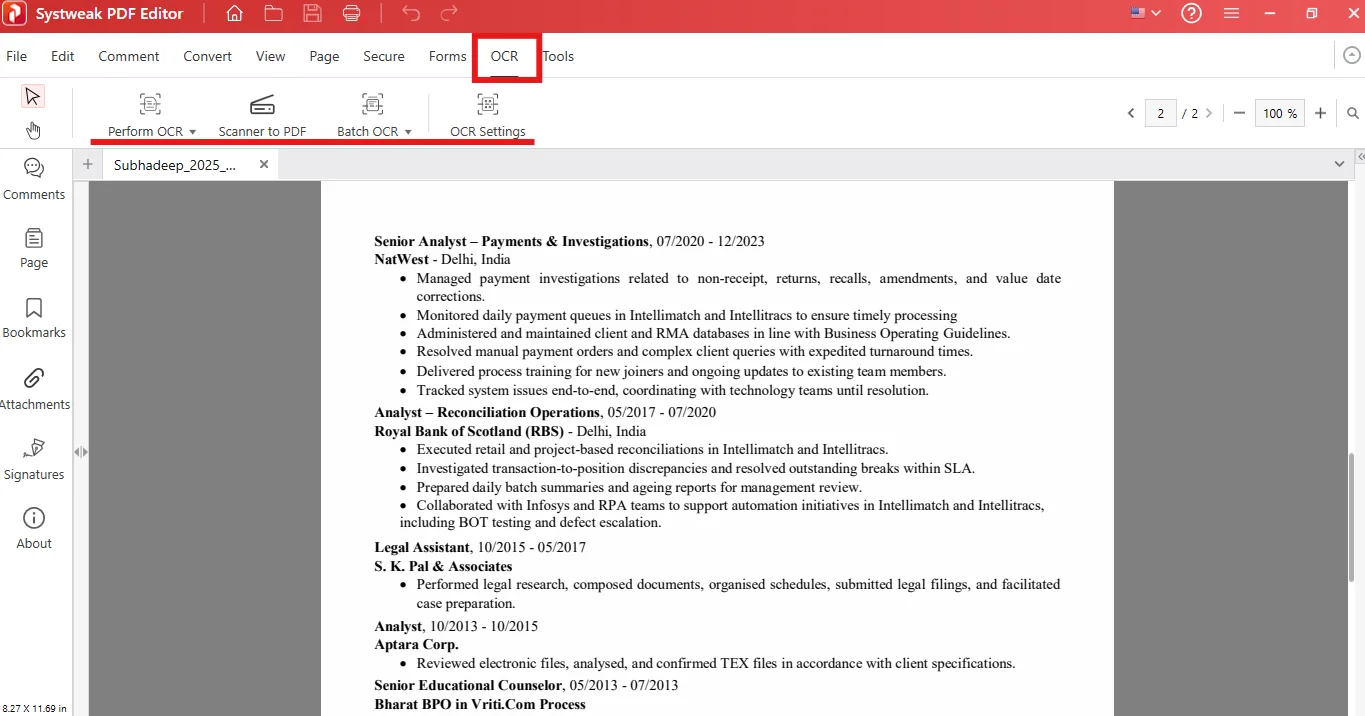
OCR helps when you have a scanned PDF and need to make changes to it. OCR converts the non-editable content in the scanned PDF to editable and searchable content.
- Make the content searchable and editable
- You can perform OCR from PDF and image
- You can also perform OCR from PDF and image in multiple documents at once through batch processing.
4. Annotate and Review Documents
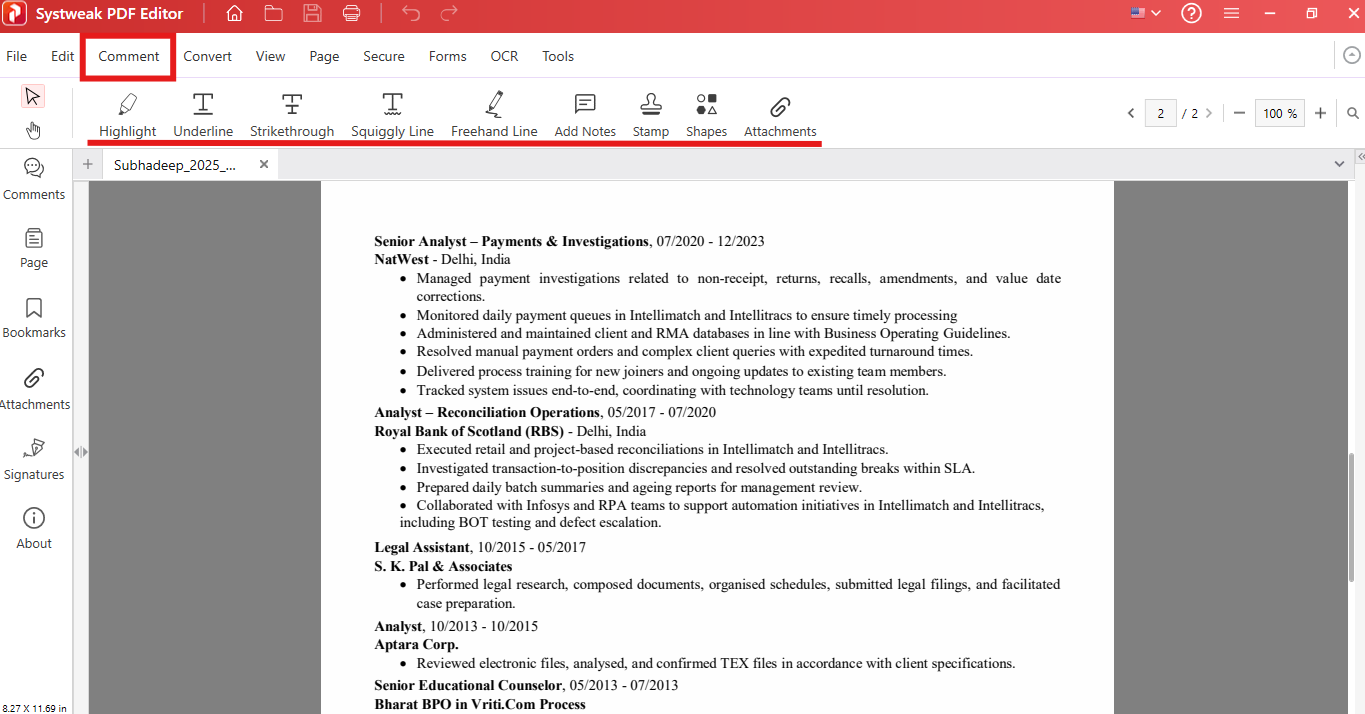
This feature is extremely useful if you are collaborating with teams or reviewing documents.
- You can add notes, shapes, and stamps
- Highlight, underline, or strikethrough text
- Draw squiggly and freehand lines
- And also add attachments to the PDF
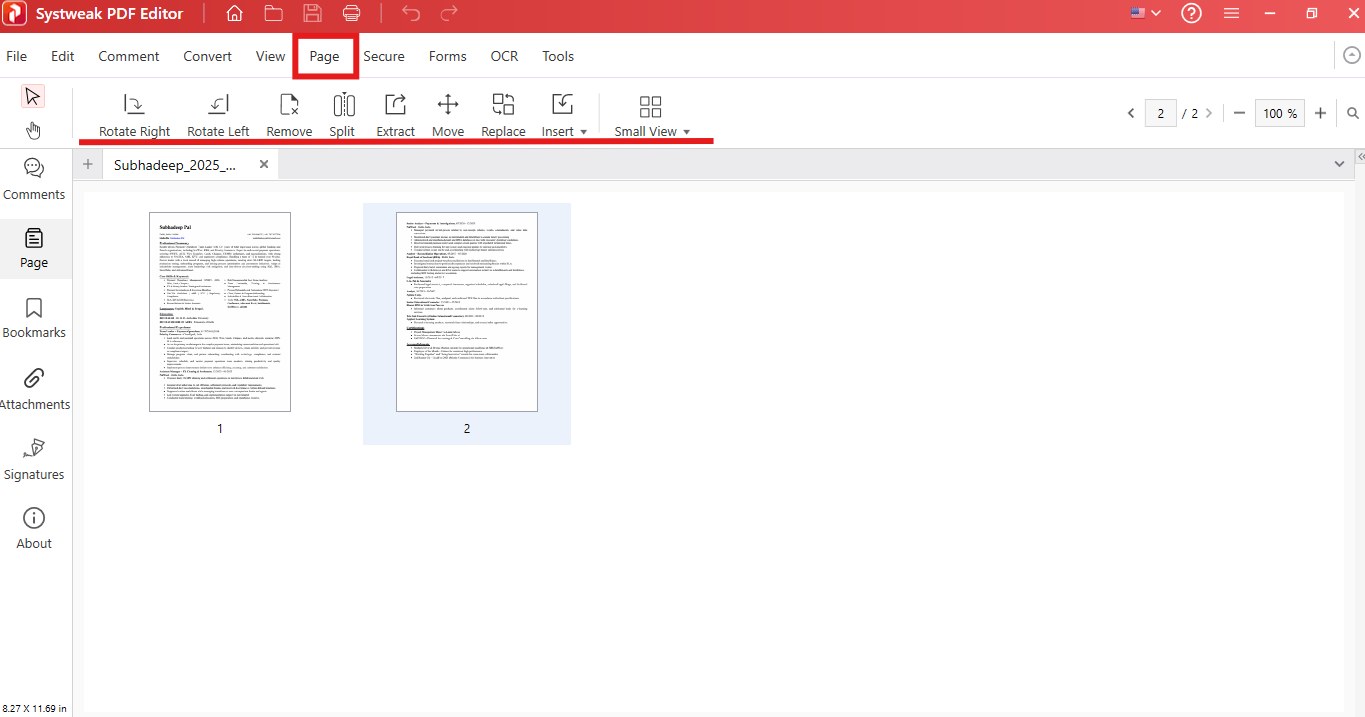
5. Merge, Split, and Organize PDFs
This feature helps in managing and organizing large or complex PDFs.
- You can rotate pages to the left and right direction
- Move and Replace pages in a PDF
- Split and merge PDFs
- Remove pages from PDFs
- Insert blank and duplicate pages into a PDF, and also add pages from other PDFs
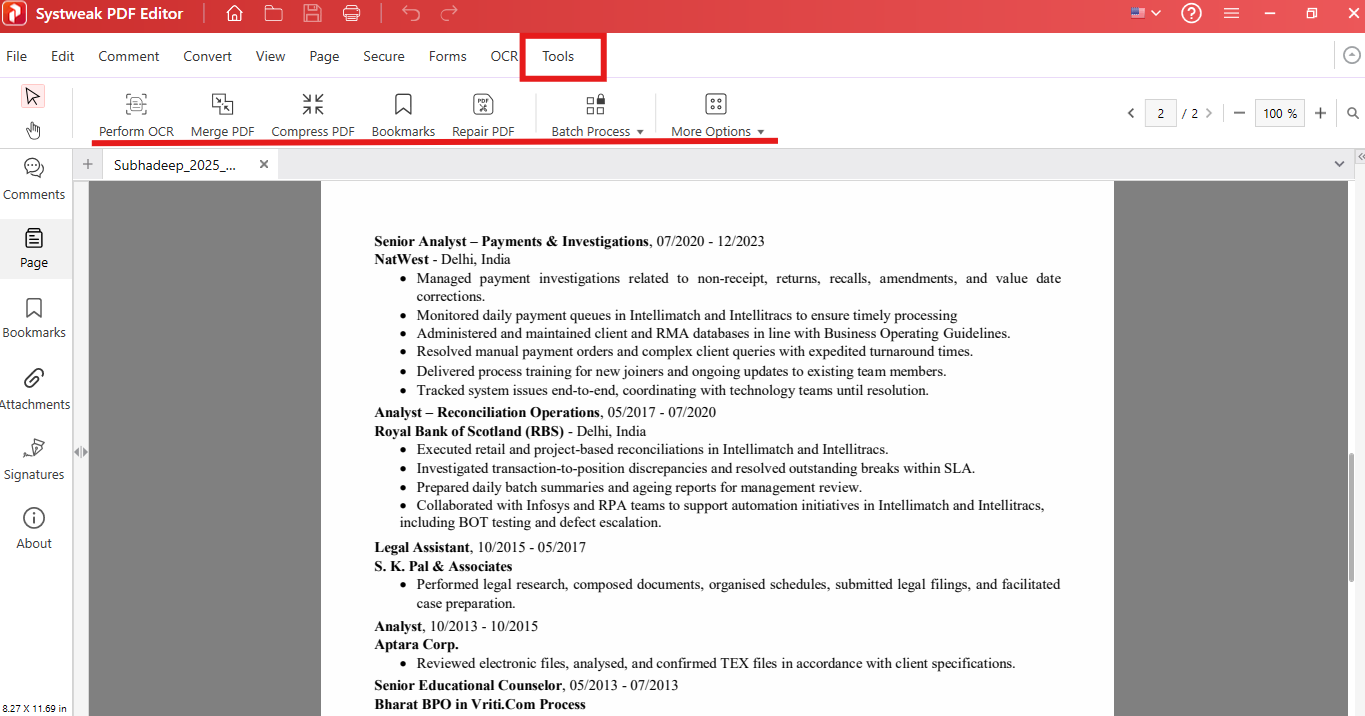
- You can also repair the damaged PDF, compress it, or add bookmarks
6. Secure Documents
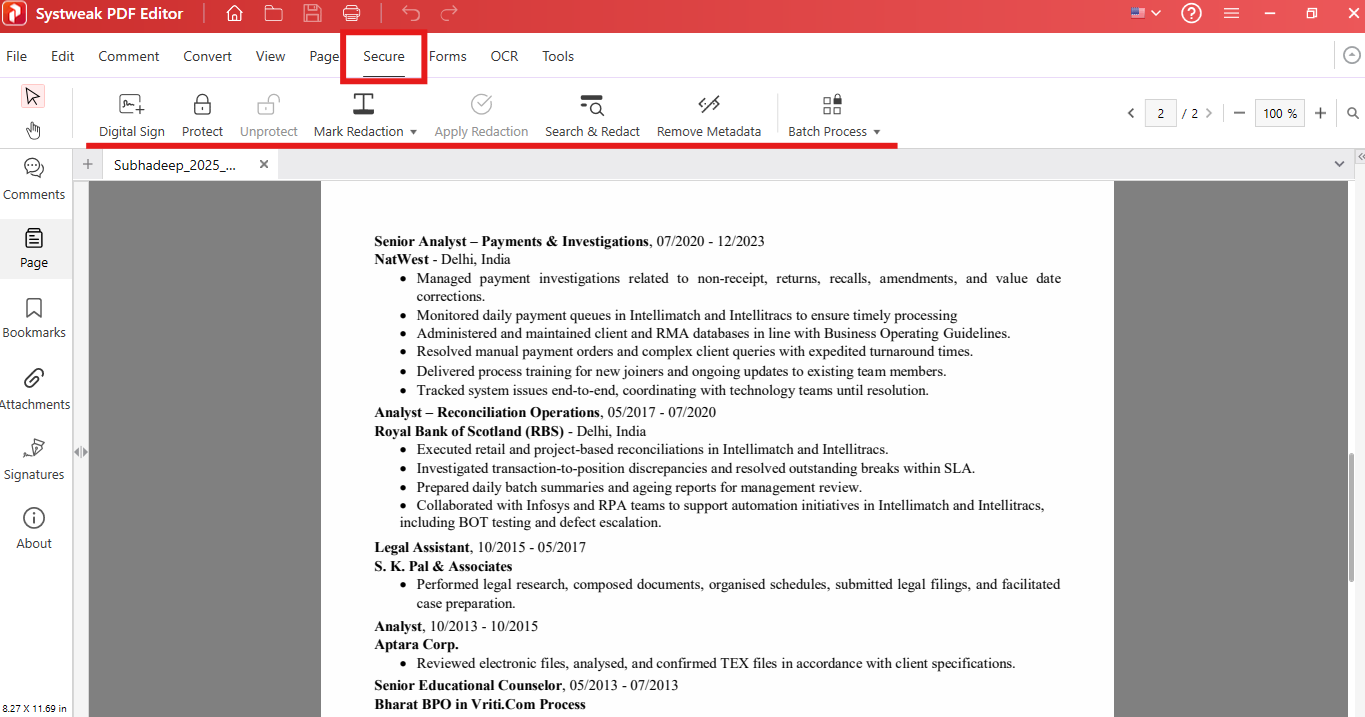
Security or privacy of your documents is the major advantage of using an offline PDF Editor.
- You can digitally sign your documents to authenticate them.
- Add or remove a password from your documents.
- Mark Redaction and also search and redact the content within PDF
- Delete the Metadata from your documents
7. Create a Fillable PDF Form
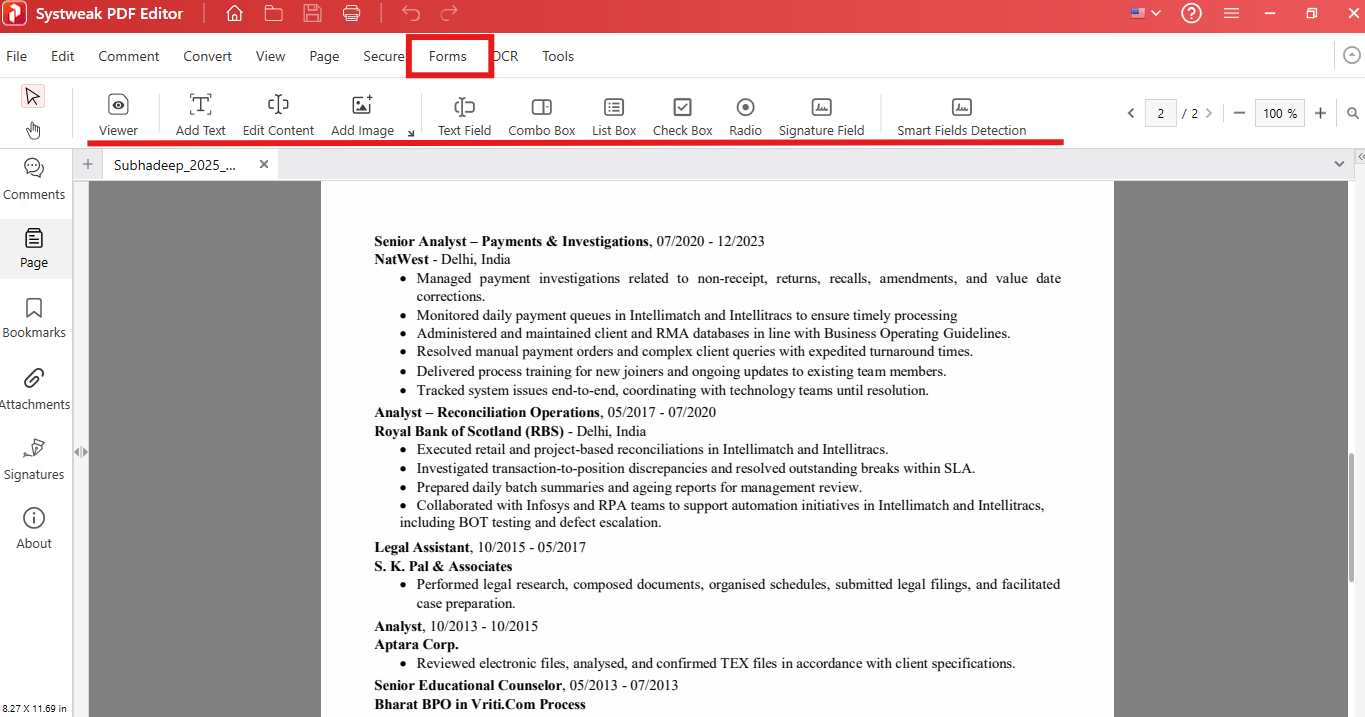
This feature allows you to fill in information electronically and makes the professional workflow efficient.
- Add a text field and a signature field
- You can also add a combo box, a list box, or a check box
- Or also add a radio button
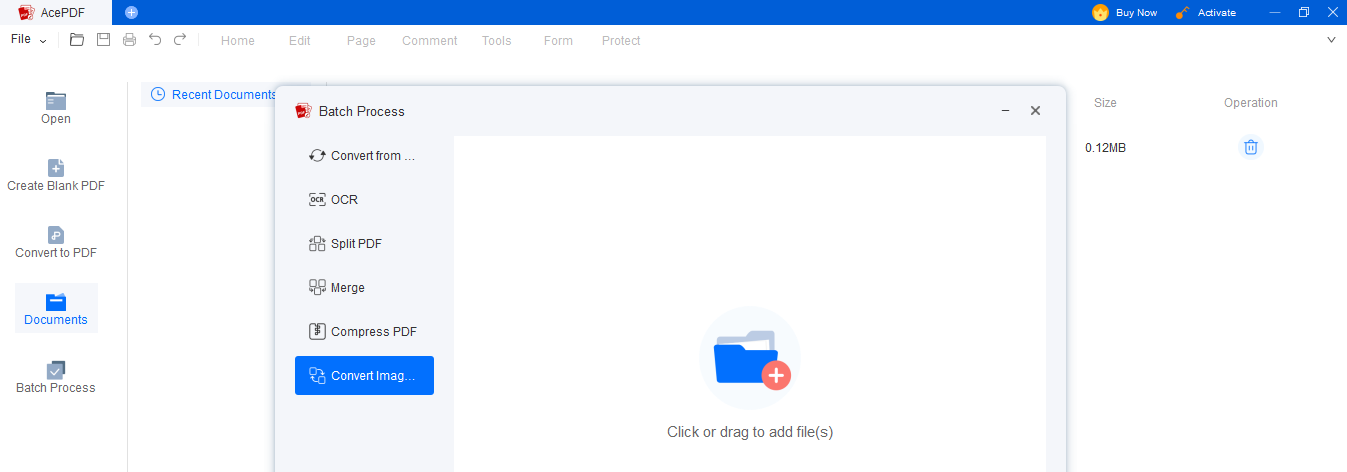
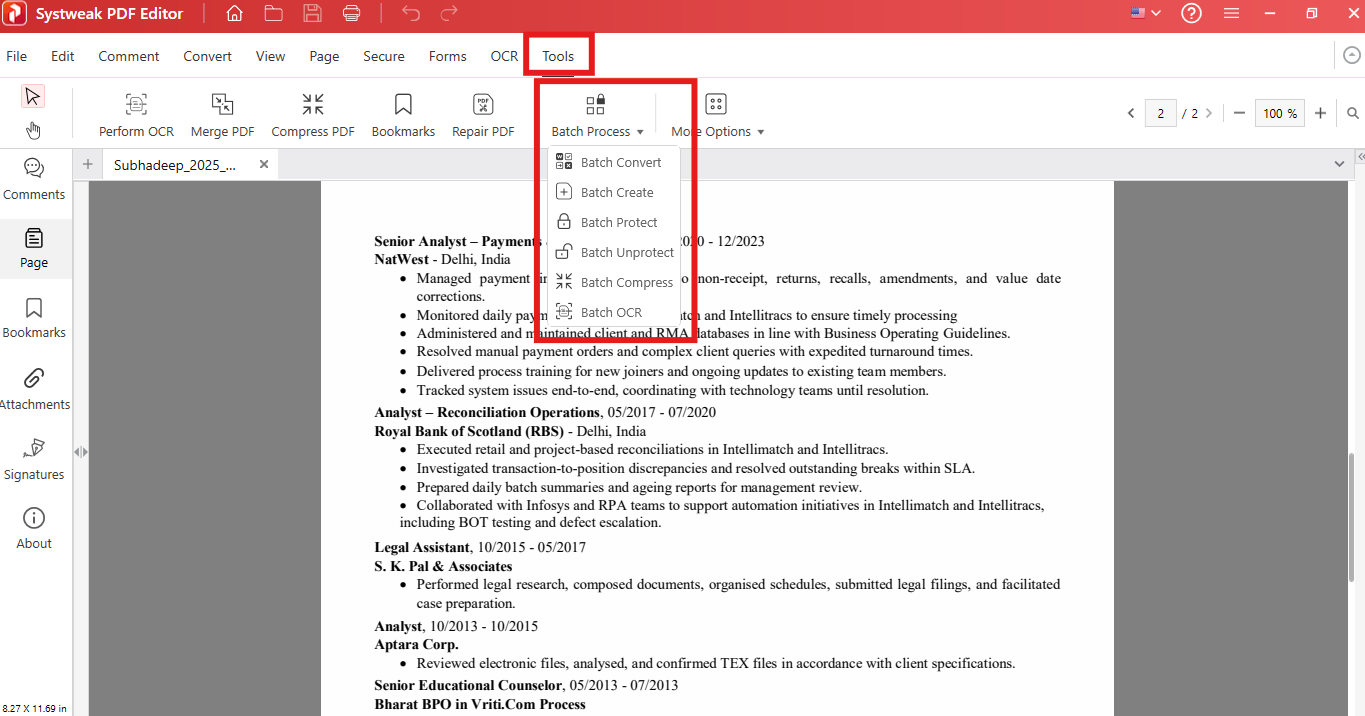
8. Batch Processing
Work with multiple PDF files at once to make your work easy and quick.
- Perform batch conversion
- Batch compression
- Perform OCR on multiple scanned files
- Batch secure
Free vs. Paid Version: Complete Comparison Table
Understanding the difference and what features are available in what version, free or paid, is necessary before selecting the right PDF Editor:
| Feature | Free Version (Trial) | Paid Version |
| Access Duration | 7-day trial | Unlimited |
| Edit Text and Images | Not Available | Full Access |
| PDF Conversion | Available | Unlimited |
| OCR Feature | Not Available | Included |
| Annotation Tools | Available | Available |
| Merge and Split PDFs | Available | Unlimited |
| Batch Processing | Not Available | Available |
| PDF Security (Password, Redaction) | Available | Full Access |
| File Compression | Available | Full Access |
| Digital Signature | Available | Available |
| Updates and Support | Basic | Full Support |
When should you Upgrade to the Paid Version?
Free or Trial version is good when you are testing the application, but if you are a regular user who works with a lot of documents, scanned documents, need advanced features, or need to work professionally, then going for the paid version suits you best.
For users who need to work regularly or professionally, the Paid Version is a great investment for you.
Benefits of using Systweak PDF Editor
The following are the reasons why choosing Systweak PDF Editor is great if you are looking for a reliable offline PDF Editor:
- It is easy to use with a very beginner-friendly user interface
- It is a one tool for all your PDF management tasks. You do not need different tools to do different tasks, like using one tool for conversion and another for OCR.
- It works completely offline and allows you to edit PDF files offline, so you have better security for your documents as the files stay in system.
- Affordable option in the market as compared to other PDF Editing tools like Adobe.
Limitations to Keep in Mind
There are a few limitations to using Systweak PDF Editor, such as:
- The free version has only limited features
- If you want to use advanced features, you need to go for Paid Version
- Only available for Windows
Final Words: Is it the Best Offline PDF Editor Tool?
If you are looking for a reliable, feature-rich, affordable, secure PDF Editor that completely works offline, then Systweak PDF Editor is one of the best options available in the market. It offers everything you need to manage or create PDFs, from editing, security, organizing, and annotating to converting all in one tool.
If you are a beginner only requiring offline PDF Editor to do minor tasks, then the free or trial version is what works best for you, but if you are a professional and need an offline PDF Editor regularly, then the paid version is where you need to invest.
FAQs
Q: Is it safe to use the Systweak PDF Editor when working with important documents?
A: Yes, Systweak PDF Editor completely works offline, thus your documents stay in your system and are not uploaded to any unknown online servers.
Q: Is editing PDFs allowed in the free version of the software?
A: No, you can add or remove content in the PDFs in the trial version, but editing the existing content requires the paid version.
Q: Why is OCR used while working with scanned PDFs?A: OCR (Optical Character Recognition) is used to extract the text or content from a scanned document so that the content in the document can be searched and edited.