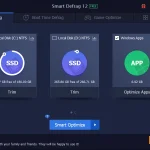
Is your PC starting to feel the weight of 2026’s high-demand software? Whether you’re dealing with sluggish boot times, cluttered disk space, or privacy concerns, Advanced SystemCare 19 is the comprehensive solution designed to bring your system back to peak health.
To celebrate the launch of our most powerful version yet, we are hosting an exclusive giveaway! Follow this guide to learn how to claim your license and how to use the new features to transform your PC experience.
How to Enter the Giveaway
Claiming your PRO license is simple. Follow these steps to ensure you don’t miss out:
Download the Software: Visit the official website of this Windows cleaner and download the free version of Advanced SystemCare 19.
Check Your Inbox: Click the “Enter Code” link in the bottom right corner of the interface and paste below giveaway key to unlock the PRO features.
37F77-0841C-C5EB7-7BFHN
(Limited-time offer Available for the first 100 users. Giveaway ends on June 10th, 2026.)
How to Optimize Your PC with ASC 19 (Step-by-Step)
Once you’ve activated your PRO version, it’s time to put it to work. Here is how to use the headline features to get the best results:
Step 1: Run an AI-Powered System Scan
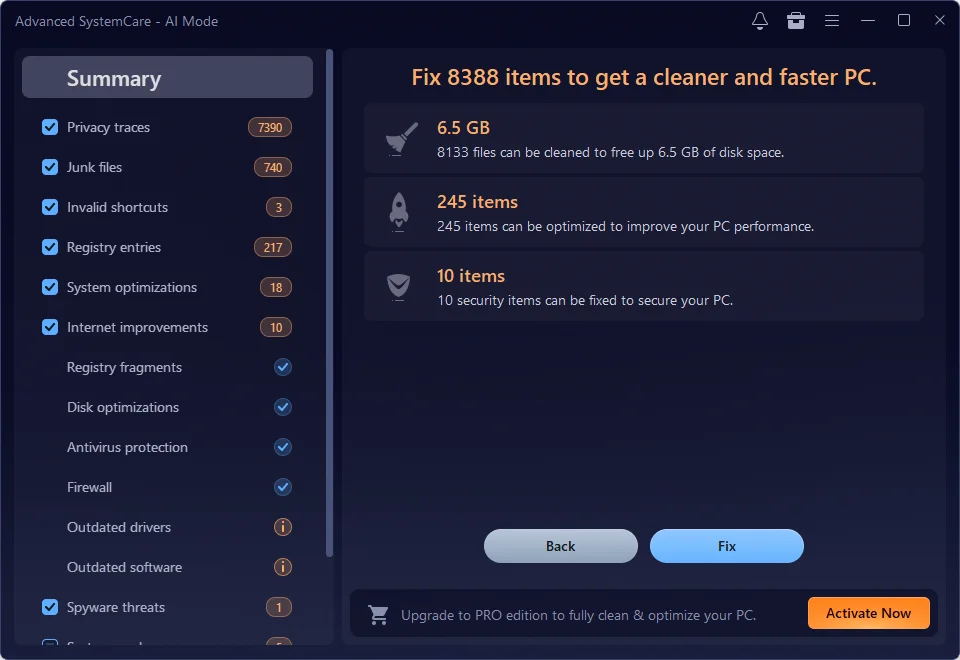
This PC cleaner features an evolved AI Mode that learns from your PC’s specific performance bottlenecks.
How-to: On the main Care tab, select AI Mode and click the large SCAN button. The AI will automatically identify junk files, registry errors, and security vulnerabilities tailored to your usage habits.
Result: A cleaner, more stable system without the risk of deleting important files.
Step 2: Accelerate Your Boot Time
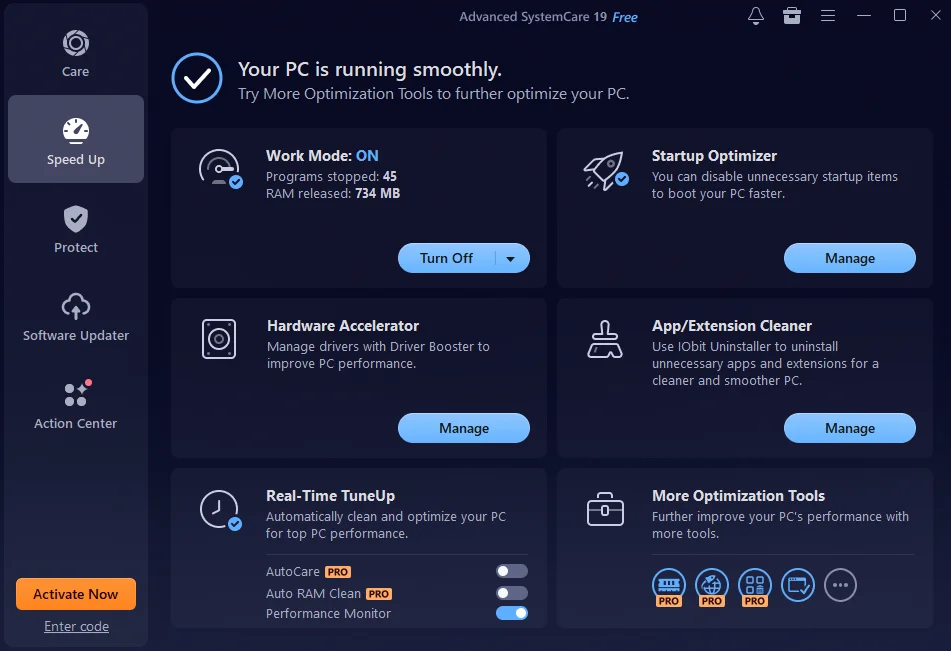
Nothing is more frustrating than a slow startup. Version 19’s Startup Optimizer is more aggressive than ever.
How-to: Go to the Speed Up tab and click Startup Optimizer. Review the list of background items and click “Disable” on any non-essential apps.
Result: A PC that reaches the desktop in seconds, not minutes.
Step 3: Secure Your Digital Footprint
In 2026, privacy is a top priority. ASC 19 includes a reinforced Privacy Shield.
How-to: Navigate to the Protect tab and ensure Privacy Shield and Browser Anti-Tracking are toggled ON.
Result: Your sensitive data (contacts, emails, and browsing history) is automatically locked away from hackers and unauthorized programs.
Important Giveaway Rules
To keep this event fair for our entire community, please keep the following in mind:
Limited Quantity: We have a set number of accounts available for this event. Once the maximum limit is reached, the giveaway will close automatically.
Validity: These giveaway licenses are typically valid for 6 months.
Don’t Wait—Peak Performance is Just a Click Away!
Your PC deserves to run at its best. Join the Advanced SystemCare 19 PRO giveaway today and experience the difference that intelligent, automated maintenance can make.